

Convert images in bulk for free 0 uses
Convert many images between JPG, PNG, and WebP at once, right in your browser.
/ 5 - Be the first to rate this tool Thanks for rating!
Verification failed - please try again.
Quick check
Please verify you're not a robot to submit your rating.
Give feedback
Tell us what you think about Convert images in bulk for free.
Drop images here, or click to upload
Add as many PNG, JPG, WebP, GIF, BMP, or AVIF images as you like
Add more images
PNG has no quality setting, so PNG outputs shrink by dimensions only.
-
→ · · Converting…
Could not reach the target size; this is the smallest possible result.
- Runs entirely in your browser — your images are never uploaded
- Set one format for every image in a click, or pick a format per image
- Download each file or all of them in a single zip
How it works
-
1
Upload the image you want to convert.
-
2
Conversion happens instantly in your browser — no upload, no waiting.
-
3
Preview the result before downloading.
-
4
Download the converted file.
Why use this tool
Every image task, one place
Resize, compress, convert, crop, rotate, filter, and watermark — no need for a heavyweight photo editor.
100% private, always
Every tool runs entirely in your browser using the canvas API — your images are never uploaded to a server.
Works on any device
Runs in the browser on Windows, Mac, Linux, iOS, and Android — nothing to install, nothing to trust but the tab.
Instant results
No queues and no desktop app to wait on — edits and conversions finish the moment you make them.
Convert to any format
Move between JPG, PNG, WebP, and ICO — output stays sharp, with quality settings when you need control.
Free, always
Every tool here is free to use, with no watermarks, size limits, or forced trial period.
Frequently asked questions
There is no fixed limit. Images are converted one after another in your browser, so very large batches simply take a little longer.
Yes. Use the "Convert all to" buttons to set one format for every image, then change the format on any individual image before converting.
No. Every conversion happens locally with your browser's canvas API, so your files never leave your device.
Download any single file from its row, or grab every converted image together in one ZIP archive.
JPG does not support transparency, so transparent areas are filled with white. Choose PNG or WebP to keep them.
From the blog
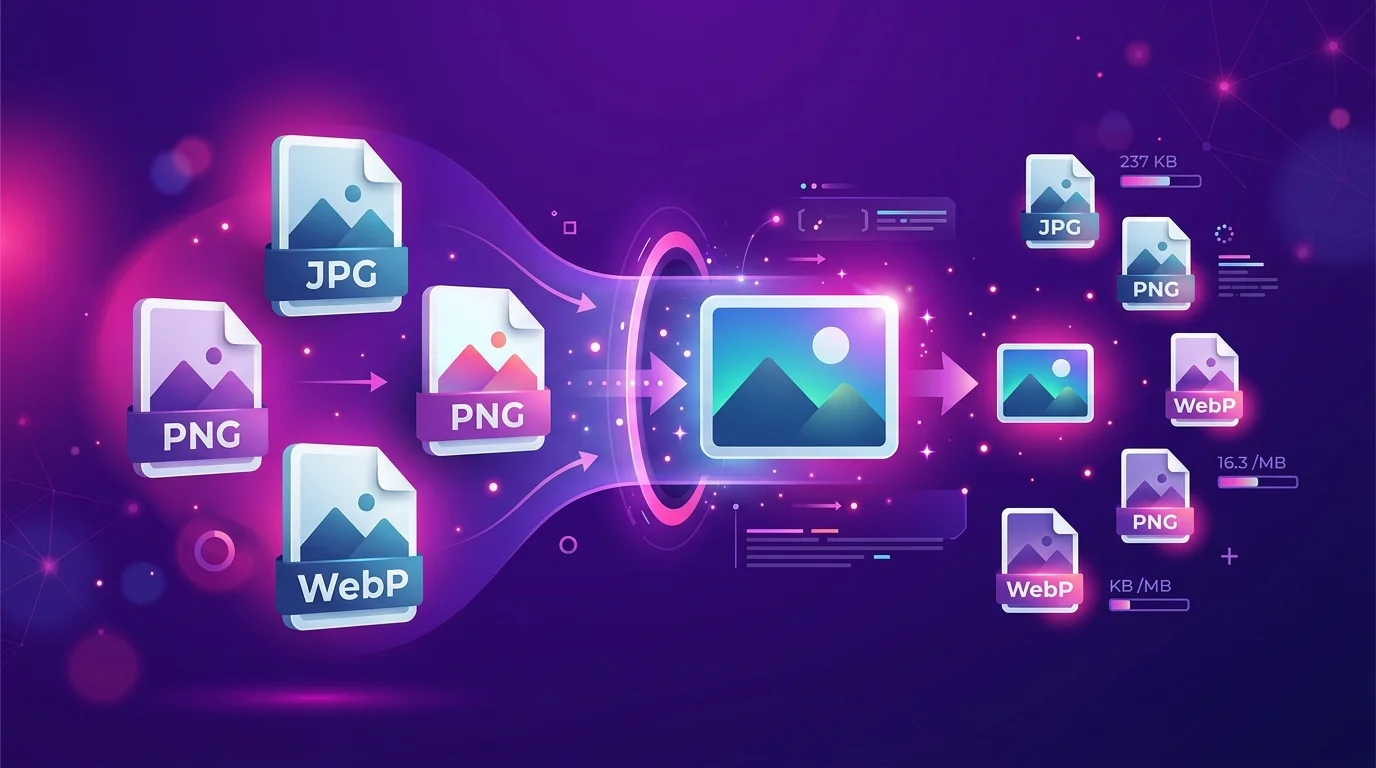
Responsive Images Done Right: srcset, Sizes, and the Widths That Matter
Shipping one giant image to every device is the easiest performance mistake to make. Here is how to pick a small set of widths, wire up srcset and sizes correctly, and stop guessing.
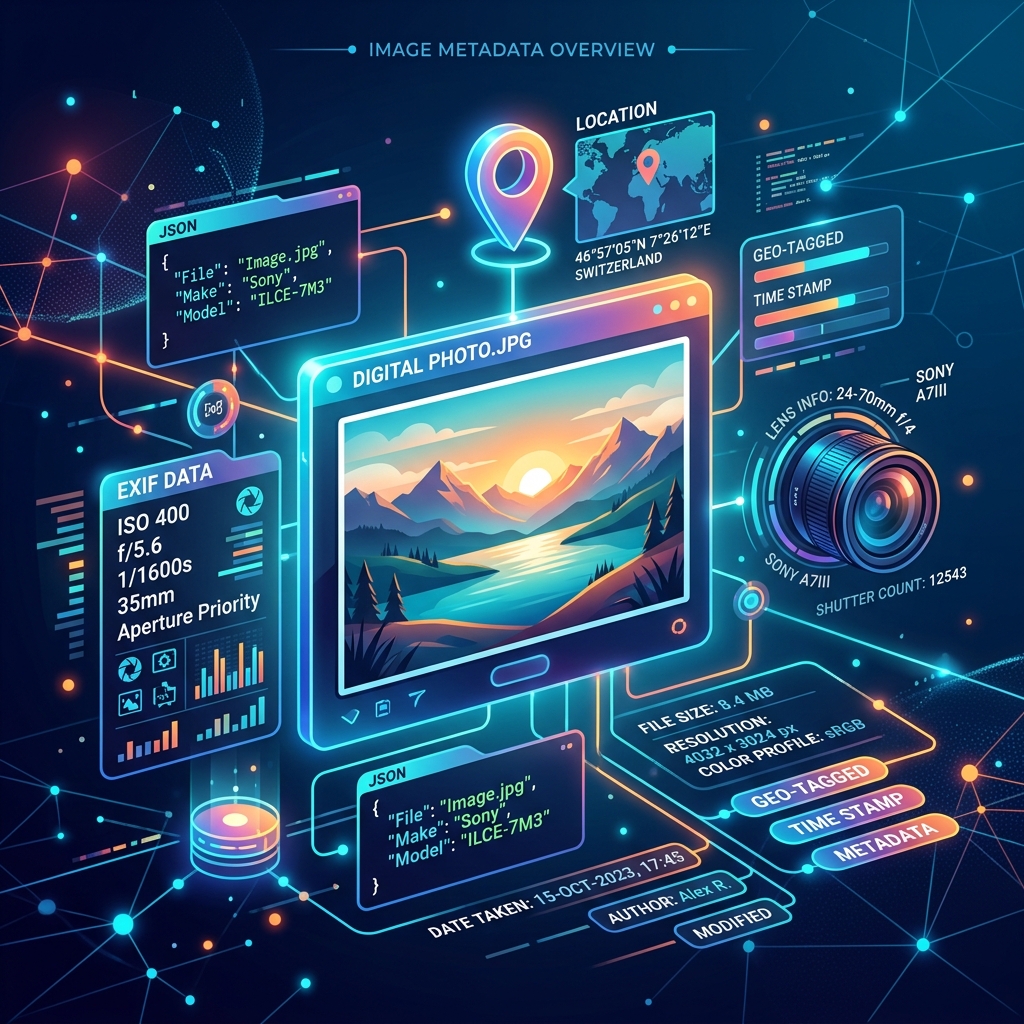
Understanding Image Metadata: EXIF, Privacy, and Performance
Every photo you take contains hidden metadata. Discover how to read EXIF data, protect your privacy by stripping location tags, and optimize files for faster loading.
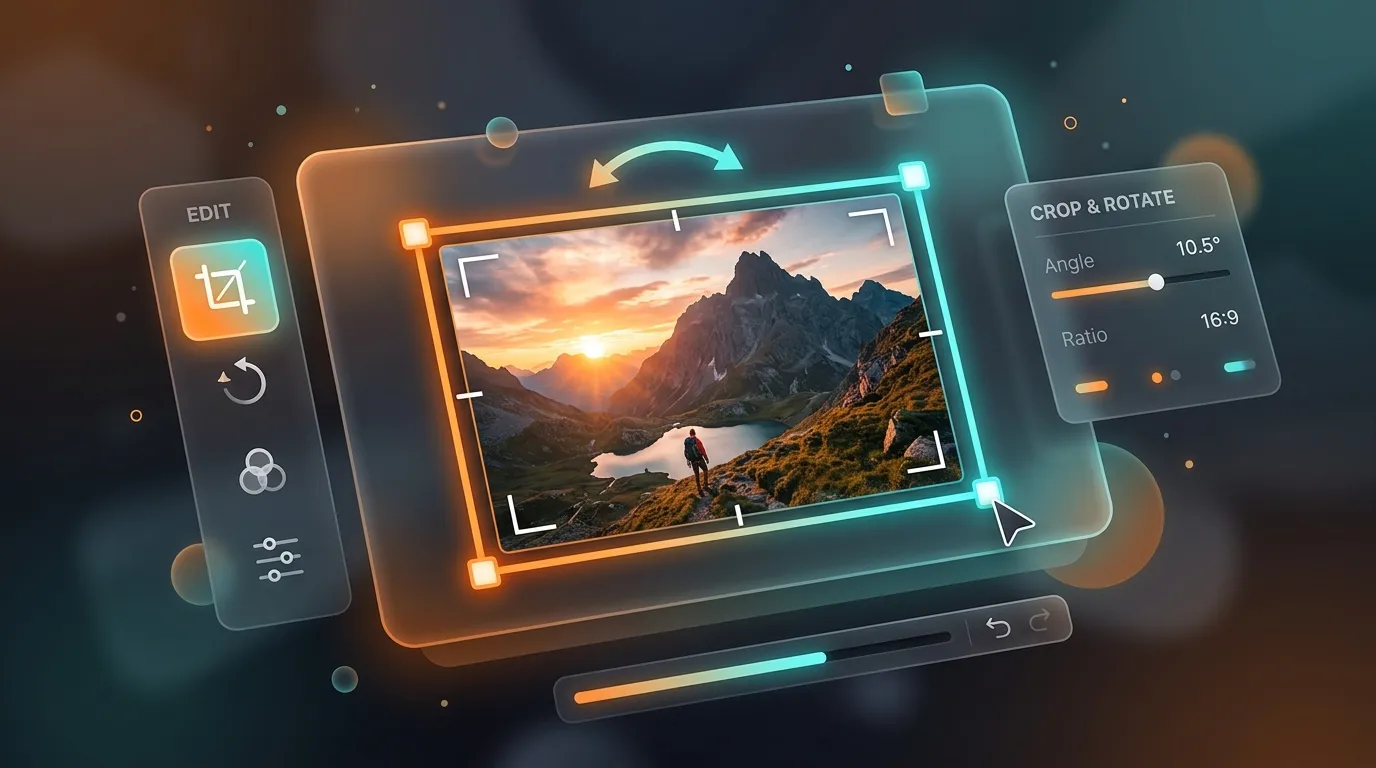
The Art of Cropping and Rotating: Framing Images for Web and Social Media
A complete guide on how to frame, crop, and rotate images to match aspect ratios for social media posts, headers, and web layouts without distortion.
Popular tools
Convert PDF to Excel for free
Pull tables and data out of a PDF into an editable spreadsheet.
Resize an image online for free
Resize JPG, PNG, or WebP images to exact dimensions or a percentage, right in your browser.
Compress a PDF file for free
Shrink PDF file size while keeping quality readable, right in your browser.
Merge PDF files online for free
Combine multiple PDF files into a single document in your browser. No install, no signup.
Convert PDF to Word for free
Turn a PDF into an editable Word document in seconds.
Convert JPG or PNG images to PDF for free
Combine one or more images into a single PDF document, right in your browser.
Generate a QR code for free
Create a static QR code for a URL, text, Wi-Fi, or contact card in seconds.
Convert PNG to WebP for free
Convert a PNG image to the smaller WebP format right in your browser, with adjustable quality.
Convert an image format for free
Convert between JPG, PNG, and WebP, right in your browser.
Generate a vCard QR code for free
Share your contact details instantly with a scannable vCard QR code.
Convert PDF to HTML for free
Turn PDF pages into a static, layout-aware HTML document.
URL encode or decode a string online
Percent-encode or decode a URL or query string component instantly in your browser.